Batch Operation of IEC 104 Devices
In industrial settings, it is often necessary to create multiple devices in bulk. VC Hub enables this through export and import functions.
Note: To quickly create many IEC 104 devices, first manually create one device, then export it and use the exported fields as a template.
Batch Addition
1.Export Devices
Click the Export button in the upper-right corner of the IEC 104 device list to export device information.
Example of an Exported File:

- The content inside the red box represents IEC104 device field information.
- IEC104 export focuses on device-level fields (for example: DeviceName, server/port parameters, timeout parameters, and IEC104 protocol parameters).
2.Adding Devices in Excel
Select one or more rows to quickly copy and generate additional devices.
When copying, adjust the following fields carefully to avoid duplicate or invalid configuration:
- DeviceName
- Server1-Server4 and Port1-Port4
- CommonAddress and OriginatorAddress
- Timeout and interval fields
If some values should stay the same for all devices, keep those columns fixed and only update the columns that must be unique.
3.Import Devices
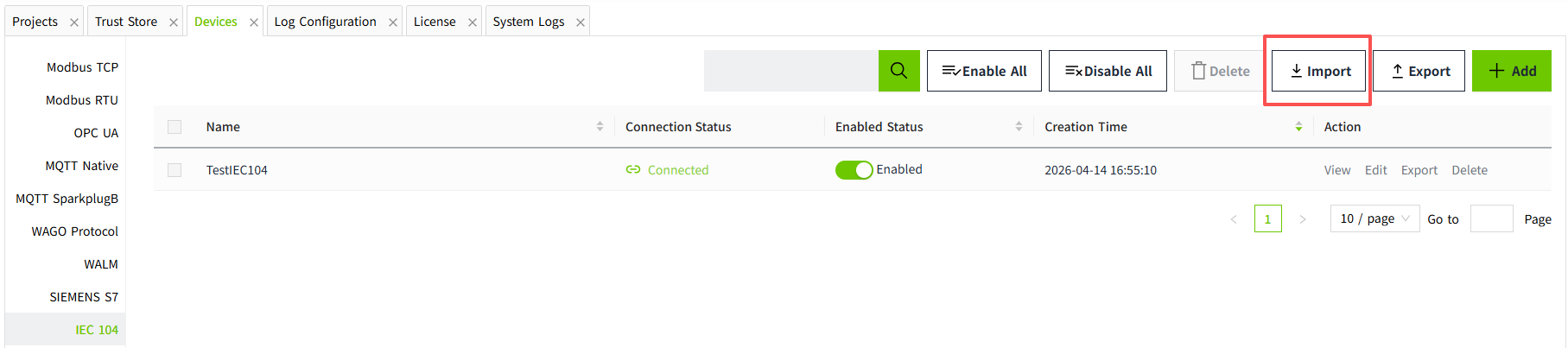
Click the Import button in the upper-right corner of the IEC 104 device list, then select the edited Excel file.
After importing, newly added devices are set to Disabled by default.
Batch Modification
You can batch modify existing IEC 104 devices by exporting to Excel, editing, and importing again.
During import, VC Hub updates data by device name:
- If the device name in Excel matches the IEC 104 list, that row updates the existing device.
- If the device name in Excel does not exist in the IEC 104 list, a new device is added.
- If a device exists in the IEC 104 list but is not present in the imported file, that existing device remains unchanged.
Batch Deletion
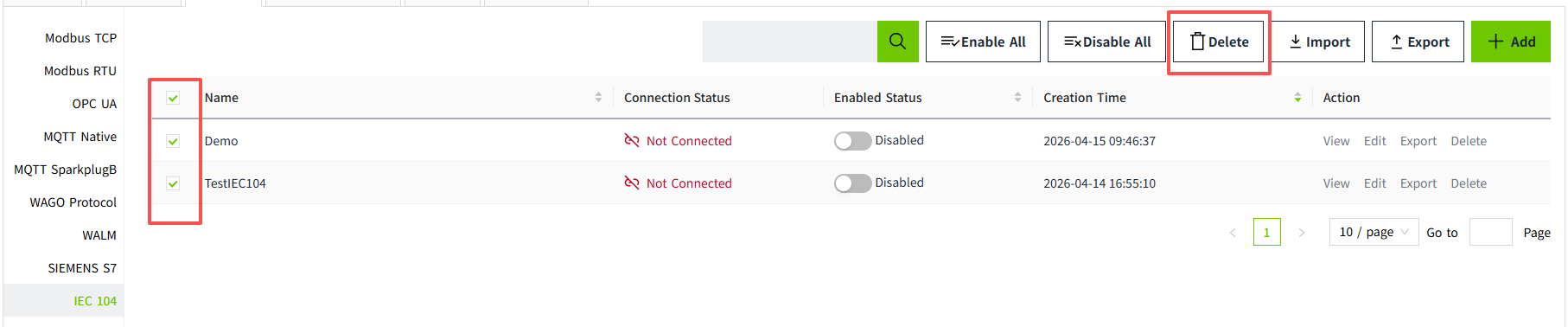
Select devices in the current page and click the Delete button to delete them in batch.
Notes:
- Devices that are Enabled cannot be selected for deletion.
- Only devices on the current page can be deleted; cross-page deletion is not supported.
Batch Enable / Disable
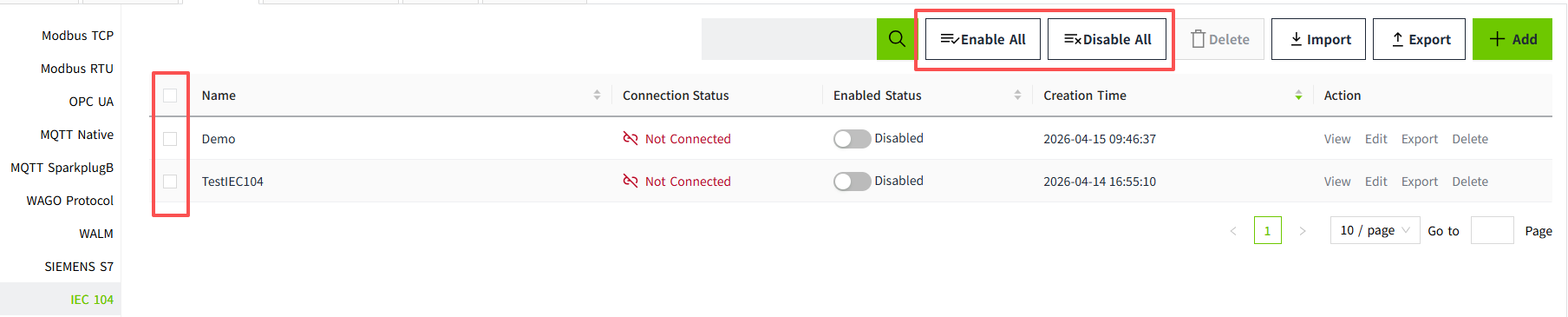
Use Enable All or Disable All in the toolbar to change the running state of all IEC 104 devices in the current list view.
Notes:
- Enable Status controls whether VC Hub attempts to connect.
- Connection Status indicates whether the IEC104 communication connection is currently established.