Create a Duplicated History Database
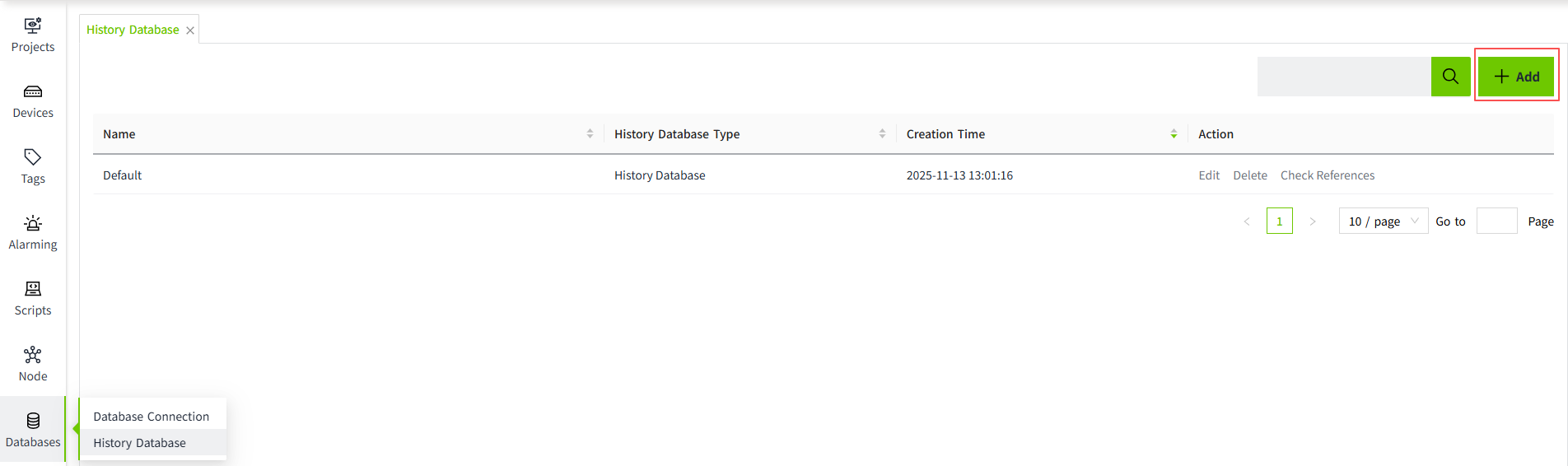
- On the "Databases" -> "History Database" page, click the "Add" button.
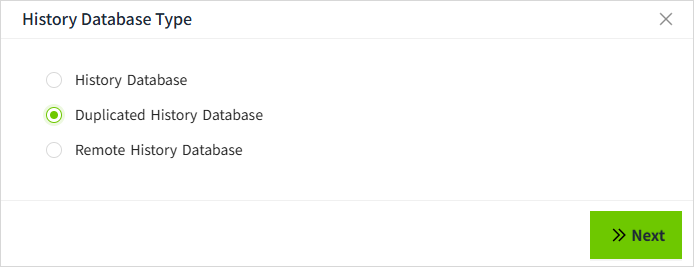
- In the following pop-up window, select the Duplicated History Database and click "Next" button.
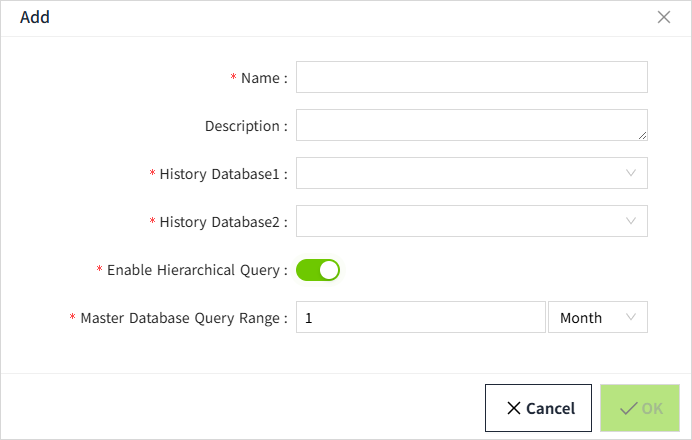
- Fill in the configuration and click "OK" button to save.
Configuration Description
| Configuration Item | Description |
|---|---|
| Name | Name of the history database. |
| Description | Description Information of the history database. |
| History Database1 | The database connection used for this configuration, derived from the history database configured on the History database list page. |
| History Database2 | The database connection used for this configuration, derived from the history database configured on the History database list page. |
| Enable Hierarchical Query | Whether or not to hierarchize historical data queries. Off: All historical data query history database1, when history database1 fails query history database2 On: All historical data query according to the query configuration, respectively query history database1 and history database2, when history database1 fails query history database2 |
| Master Database Query Range | Historical data queries with query time within this configuration range will query history database1. |