Branding & Theming (Labeling)
The Labeling feature enables branding and UI theming customization for WAGO VC Hub during product delivery.
For Labeling, customers first need to provide their branding materials to us. Based on these materials, we will create a customized package and provide a dedicated installation package for specific customers. This feature is mainly intended for system integrators.
With Labeling, system integrators can customize the appearance of the system before delivery, ensuring that the product matches the customer's corporate identity and branding requirements.
Supported Branding Scope
Currently, Labeling supports customization of the following items:
- Brand Information
- Product Name
- Browser Title
- Images and Logos
- Logo
- Login Page Image
- Logout Page Image
- Browser Favicon
- Theme Colors
- Button Colors
- Icon Colors
- Decorative Bar Colors
- Selected Colors
- Default color of the control
- Runtime page license status and notification colors
- AR Report colors
Example
| Customization Item | Customized Value |
|---|---|
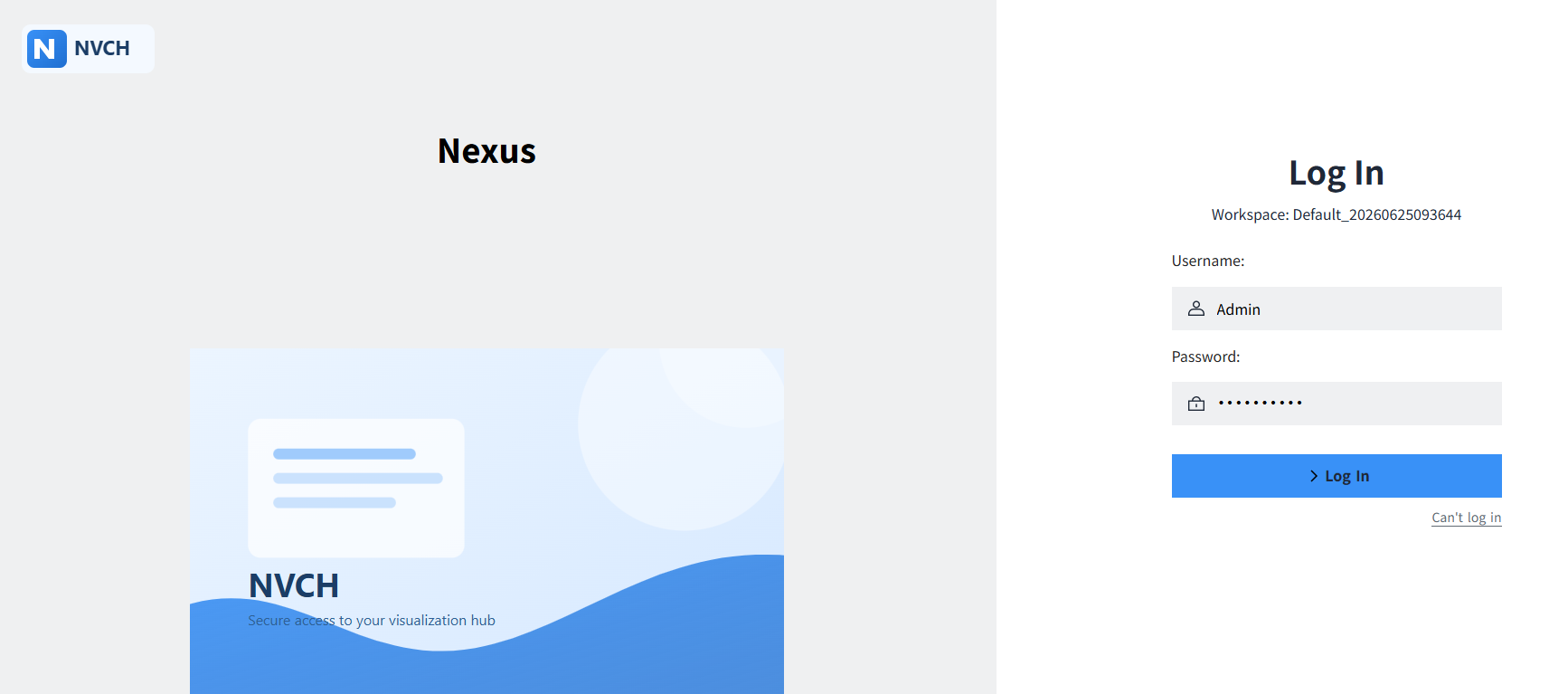
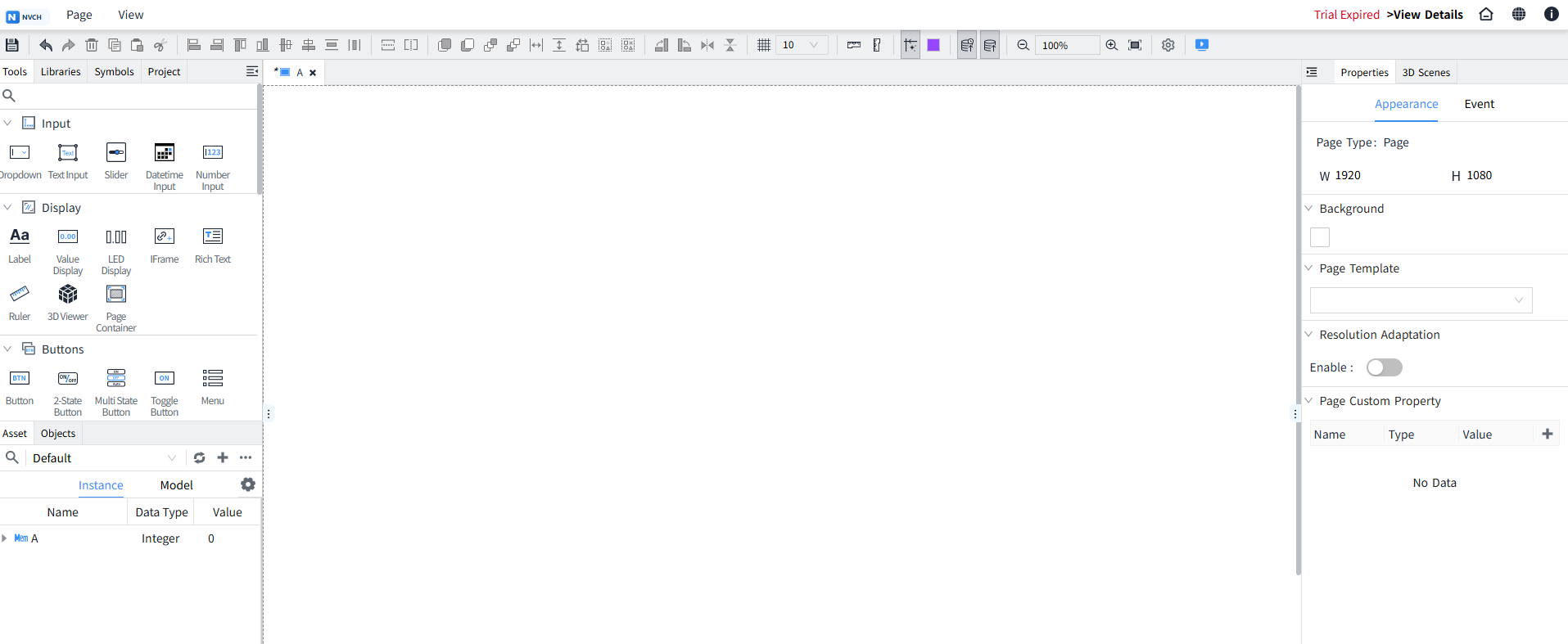
| Product Name | Nexus |
| Theme Color | #3991f7 |
| Browser Favicon |  |
| Login Page Image | 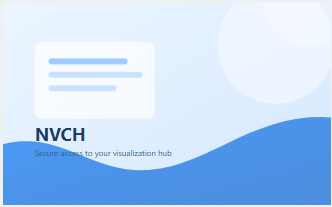 |
After installation, the customized branding is applied throughout the user interface.
Customization Process
- The customer provides branding assets, such as the product name, images, logos, and theme colors.
- WAGO generates and delivers a customized installation package.
- After installation, the customer can immediately use the branded interface.
Constraints
- Labeling affects only the appearance of the user interface and does not change system functionality.
- Only the customization items listed above are supported.
- To modify any branding content, updated assets must be provided and a new installation package must be generated.
- When upgrading the product, a new installation package containing the branding customization must be generated.
Limitations
- Labeling is not currently supported during installation.
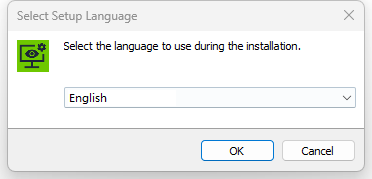
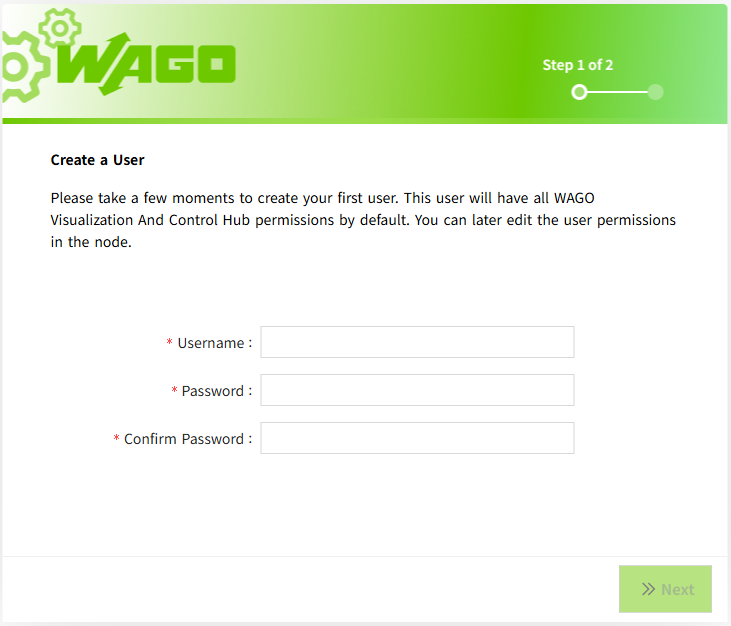
- The onboarding pages do not currently support Labeling.