System.Security.login
Description
Use this function to log in directly, avoiding the system's built-in login page.
Note
When debugging a page in Preview mode, calling System.Security.login or System.Security.logout performs a simulated action. System.Security.login only validates whether the username and password are correct. System.Security.logout does not perform an actual logout action. After a simulated successful login, subsequent behavior still runs under the current Design user.
Grammar
System.Security.login(username: string, password: string, pagePath: string): Promise<void>
-
Parameters
username — The user's login name.
password — The user's password.
pagePath — The path of the page to navigate to after a successful login.
-
Return
Resolves when the operation completes. If login succeeds, the page will navigate to
pagePath.
Code Example
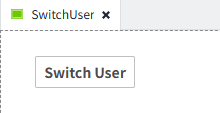
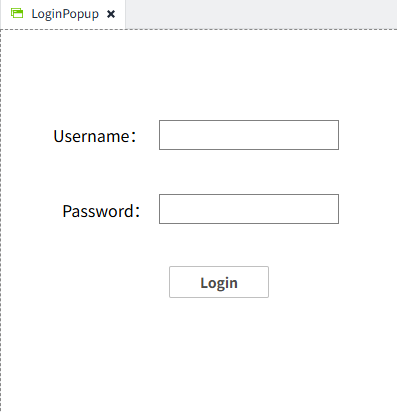
At the top of the page, there is a 'Switch User' button. Clicking the button opens the 'LoginPopup' popup. After the user enters their username and password and successfully login, the system automatically redirects to the project homepage.
Switch User Button Script
const usernameInput = await System.UI.findControl('UsernameInput');
const passwordInput = await System.UI.findControl('PasswordInput');
try {
    await System.Security.login(usernameInput.text, passwordInput.text, 'Home');
    // On success the page redirects to 'Home'
} catch (err) {
    // Handle login failure (show error message, etc.)
}